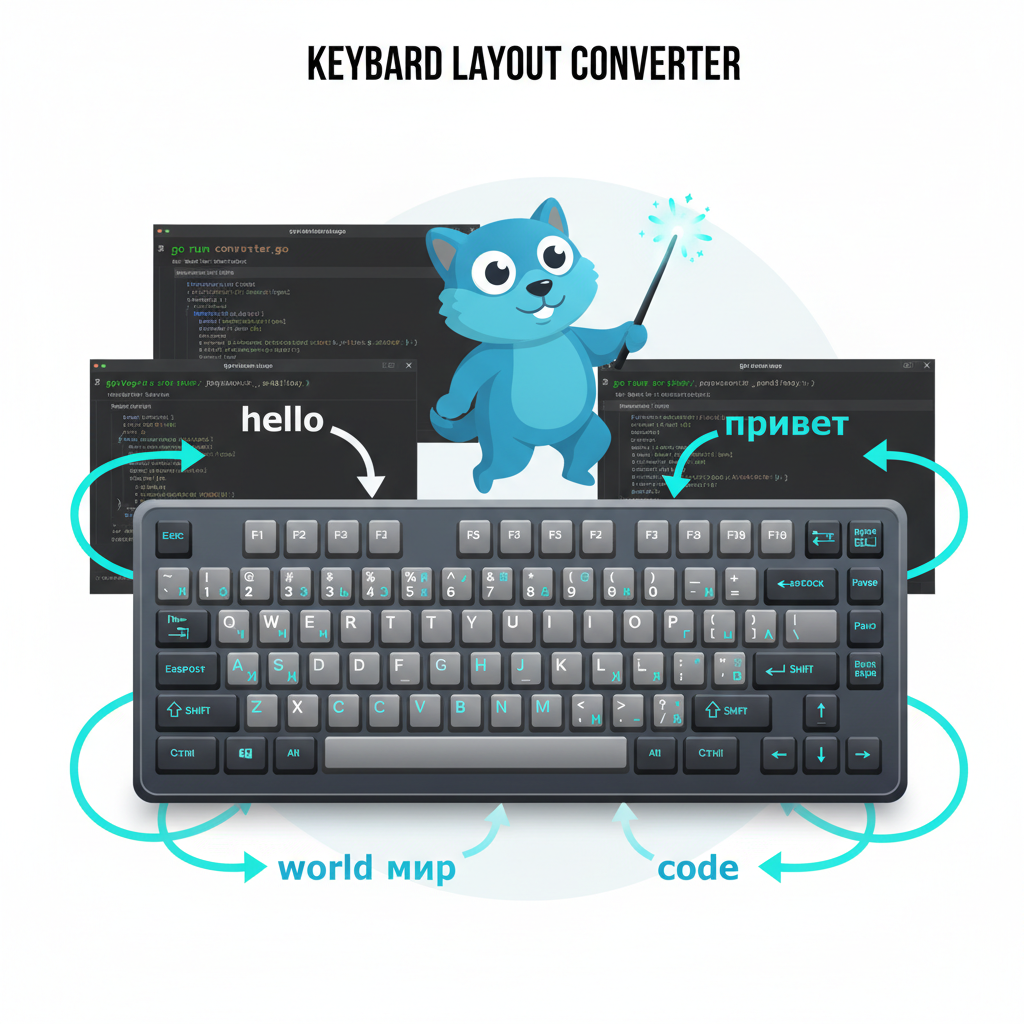
Anyone working with multiple keyboard layouts knows this pain: you type a message in the wrong layout. Instead of getting `hello`, you see `руддщ`, and you have to delete everything and retype. Windows has Punto Switcher, but Linux lacks good solutions.
I decided to build my own — simple, fast, and reliable.
First Attempt: GNOME Shell Extension
Initially, I tried creating a GNOME Shell extension in TypeScript. It seemed logical — native integration, system API access, built-in hotkey support.
Reality was harsh:
- Compilation issues: TypeScript generated CommonJS instead of ES modules
- Import conflicts: `St` (Shell Toolkit) wouldn't load before initialization
- GSettings schemas: required XML compilation to binary format
- Debugging: logs didn't show in `journalctl`, extension silently crashed to ERROR state
After hours fighting with `metadata.json`, `gschemas.compiled`, and mysterious module loading errors, I decided: this is too complex for such a simple task.
Second Approach: bash Script with xdotool
The solution became obvious — use standard Linux utilities:
- `xdotool` — simulate keypresses
- `xclip` — clipboard operations
- Bash to glue everything together
#!/bin/bash

# Copy selected text
xdotool key ctrl+c
sleep 0.3

# Get from clipboard
text=$(xclip -o -selection clipboard)

# Convert via case
result=""
while IFS= read -r -n1 char; do
    case "$char" in
        q) result+="й";;
        w) result+="ц";;
        # ... 100+ lines
    esac
done <<< "$text"

# Paste back
echo -n "$result" | xclip -selection clipboard
xdotool key ctrl+v
Problems:
- Slow: `while read -n1` loop processes character by character
- Complex mapping: 100+ lines of `case` statements
- Delays: `sleep 0.3` is a workaround for clipboard sync
But most importantly — **it worked!** Now I just needed to optimize.
Third Attempt: Python
Python is faster than bash for string processing:
#!/usr/bin/env python3
import subprocess
import time

en_ru = {
    'q':'й','w':'ц','e':'у', # ...
}
ru_en = {v:k for k,v in en_ru.items()}

time.sleep(0.1)
subprocess.run(['xdotool', 'key', 'ctrl+c'])
time.sleep(0.4)

text = subprocess.run(['xclip', '-o', '-selection', 'clipboard'],
                      capture_output=True, text=True).stdout

result = ''.join(en_ru.get(c, ru_en.get(c, c)) for c in text)

subprocess.run(['xclip', '-selection', 'clipboard'], input=result, text=True)
subprocess.run(['xdotool', 'key', 'ctrl+v'])
Pros:
- Faster than bash
- Readable code
- Simple dictionary mapping
Cons:
- Still ~300-400ms latency
- Python runtime dependency
- Cold start interpreter overhead
Final Solution: Go
Go gives us native code speed with high-level language simplicity:
package main

import (
	"os/exec"
	"strings"
	"time"
)

var enRu = map[rune]rune{
	'q': 'й', 'w': 'ц', 'e': 'у', 'r': 'к', 't': 'е',
	'y': 'н', 'u': 'г', 'i': 'ш', 'o': 'щ', 'p': 'з',
	'[': 'х', ']': 'ъ', 'a': 'ф', 's': 'ы', 'd': 'в',
	'f': 'а', 'g': 'п', 'h': 'р', 'j': 'о', 'k': 'л',
	'l': 'д', ';': 'ж', '\'': 'э', 'z': 'я', 'x': 'ч',
	'c': 'с', 'v': 'м', 'b': 'и', 'n': 'т', 'm': 'ь',
	',': 'б', '.': 'ю', '/': '.', '`': 'ё',
	// Capital letters
	'Q': 'Й', 'W': 'Ц', 'E': 'У', // ...
}

var ruEn map[rune]rune

func init() {
	ruEn = make(map[rune]rune, len(enRu))
	for k, v := range enRu {
		ruEn[v] = k
	}
}

func main() {
	time.Sleep(80 * time.Millisecond)

	// Save old clipboard
	oldOut, _ := exec.Command("xclip", "-o", "-selection", "clipboard").Output()

	// Clear clipboard
	clearCmd := exec.Command("xclip", "-selection", "clipboard")
	clearCmd.Stdin = strings.NewReader("")
	clearCmd.Run()

	// Copy selected text
	exec.Command("xdotool", "key", "ctrl+c").Run()
	time.Sleep(250 * time.Millisecond)

	// Get text
	out, err := exec.Command("xclip", "-o", "-selection", "clipboard").Output()
	if err != nil || len(out) == 0 {
		// Restore old clipboard
		restoreCmd := exec.Command("xclip", "-selection", "clipboard")
		restoreCmd.Stdin = strings.NewReader(string(oldOut))
		restoreCmd.Run()
		return
	}

	// Convert (in-place for speed)
	runes := []rune(string(out))
	for i, char := range runes {
		if mapped, ok := enRu[char]; ok {
			runes[i] = mapped
		} else if mapped, ok := ruEn[char]; ok {
			runes[i] = mapped
		}
	}

	// Paste
	setCmd := exec.Command("xclip", "-selection", "clipboard")
	setCmd.Stdin = strings.NewReader(string(runes))
	setCmd.Run()

	exec.Command("xdotool", "key", "ctrl+v").Run()
}
Optimizations
- In-place conversion: modify rune array directly, no intermediate strings
- Pre-initialization: reverse mapping `ruEn` created once in `init()`
- Optimized compilation: `-ldflags="-s -w"` strips debug info
- Minimal delays: 80ms + 250ms = 330ms (optimal balance of speed and reliability)
Installation
# Install dependencies
sudo apt install xdotool xclip golang-go

# Build
mkdir -p ~/bin
cd ~/bin
# Download layout-convert.go
go build -ldflags="-s -w" -o layout-convert layout-convert.go

# Configure hotkey in GNOME
gnome-control-center keyboard
# Add Custom Shortcut:
# Command: /home/YOUR_USERNAME/bin/layout-convert
# Shortcut: Super+Space
Usage
1. Select text: `ghbdtn`
2. Press `Super+Space`
3. Text replaces: `привет`
Works bidirectionally automatically!
Gotchas
Issue 1: xdotool Doesn't Copy Text
Symptom: script converts old clipboard content instead of selected text.
Solution: add delay before `ctrl+c` and clear clipboard:
time.Sleep(80 * time.Millisecond) // let focus return to window
// Clear clipboard
clearCmd := exec.Command("xclip", "-selection", "clipboard")
clearCmd.Stdin = strings.NewReader("")
clearCmd.Run()
Issue 2: Wayland vs X11
`xdotool` only works on X11. Check:
echo $XDG_SESSION_TYPE
If output is `wayland`, log out and select "GNOME on Xorg" at login.
Issue 3: Clipboard Managers
Diodon and similar tools may conflict. Ensure script properly clears and restores clipboard.
Source code: github.com/semelyanov86/layout-converter